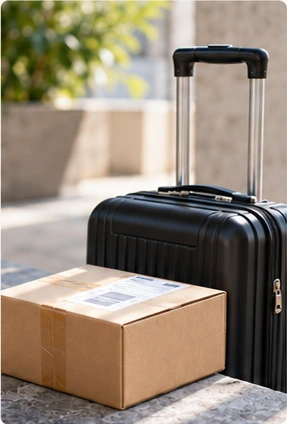
Bring home closer.

Send a package with a traveller going your way, or make room for one on your next trip. Agree the details in ShipKith.


Good connections. One app.

Find your route. Keep your plans together.

Start with where it’s going.

Choose a departure and destination. Explore trips and traveller profiles on your route.

See how sending works

Your next step, right there.

Find your packages, trips and Bookings in Activity. See what needs your attention.

See how carrying works
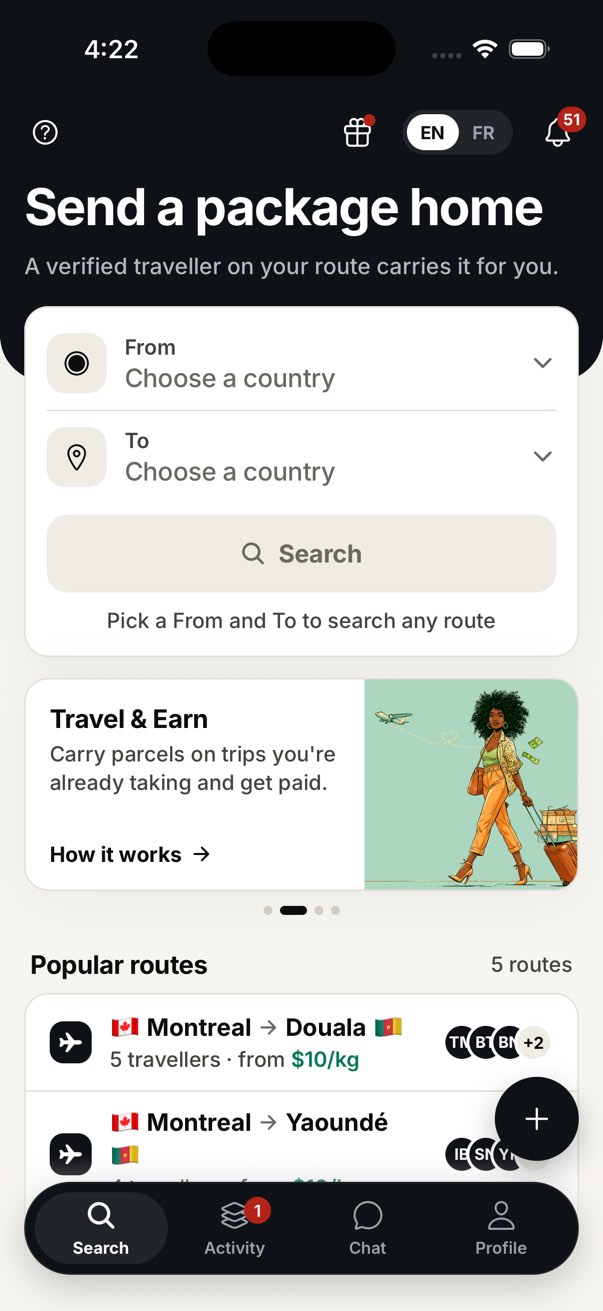
ShipKith Search screen with departure and destination fields and illustrative route results.
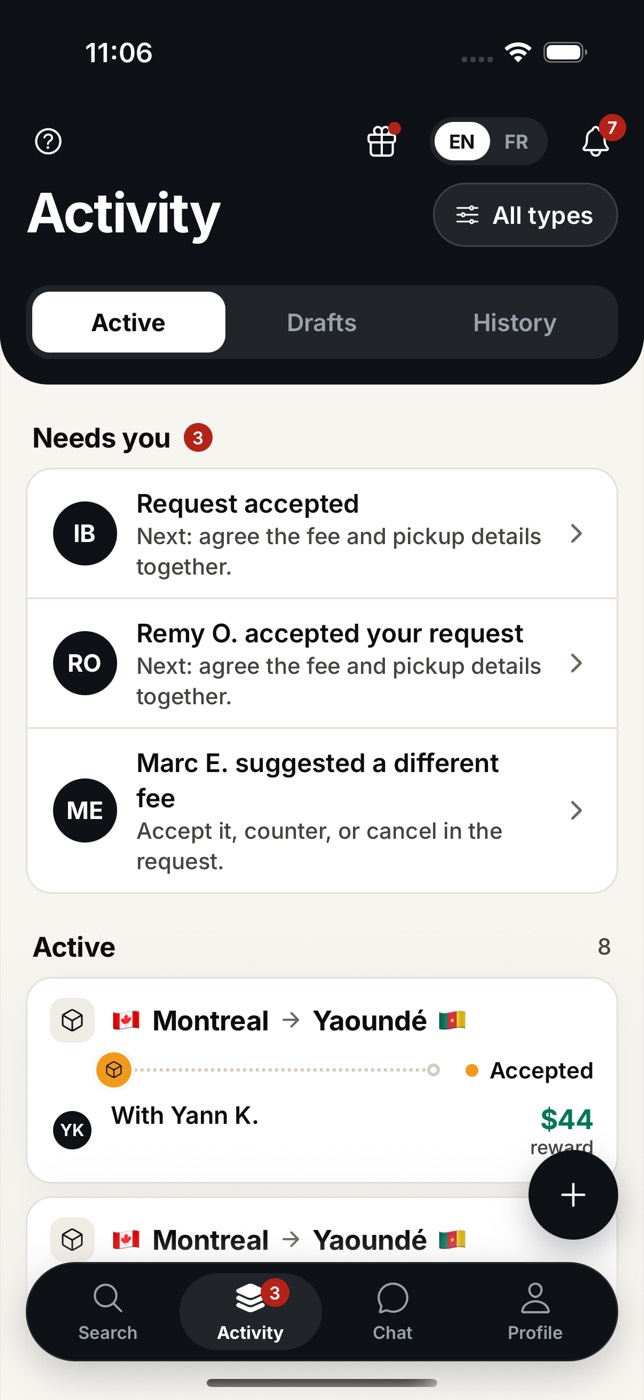
Full ShipKith Activity screen: requests needing attention, active packages and navigation. Example data.
Detail of the Search form: choose your departure and destination countries.
Detail of the same Activity screen: two accepted requests need pickup details. Example data.

App previews with example routes, prices and requests.

From your hands to theirs.

Send a package with a traveller, or carry one on your next trip.

Send a package

  1. 01

    Find a trip

    Search your departure and destination countries. Compare trips and check traveller verification and reviews.

  2. 02

    Request space

    Post a package or choose one you already posted. Add its contents, weight and receiver details, then request space on a matching trip.

  3. 03

    Agree and pay

    Agree the reward and pickup details in chat. Review the total, including the service fee, and pay before pickup.

  4. 04

    Hand over and confirm

    Check the pickup photo and confirm handover in your Booking. After delivery, check with your receiver before confirming receipt.

You can also post your package first, then look for a traveller.

The journey, step by step

Search trips

01 / 04
  • From: choose your package’s departure country.
  • To: choose the destination country.
  • Profiles: check traveller verification and reviews.
Search

Carry a package

  1. 01

    Post your trip

    Confirm your email and identity, then publish your route, travel dates, flight details and available space.

  2. 02

    Choose a package

    Review requests or offer to carry a package on your route. Agree the reward and handover details.

  3. 03

    Check and collect

    Once payment is confirmed, inspect the contents and record pickup with a photo. The Sender confirms the handover.

  4. 04

    Deliver and earn

    Give the package to the receiver and record delivery with a photo. Follow your earnings and payout setup in Wallet.

The journey, step by step

Your trip

01 / 04
  • Verify: confirm your email and verify your identity.
  • Route: add your travel dates and flight details.
  • Space: set available weight and the items you accept.
Finish and publish

A little space.A meaningful connection.

Take a package along on a trip you’re already making. Choose what fits and agree a reward with the Sender.

See how carrying works

Know more before you book.

Get to know the traveller

Check identity verification and read any reviews on their profile.

Agree before you pay

Confirm the price and handover details together. See the total, including the service fee, before paying.

Keep the handovers together

Pickup and delivery photos, confirmations and next steps stay with your Booking.
A few things to know.

How do I get started?
Download ShipKith and create an account. Search for trips on your route, or post your package first. You’ll need a posted package to request space. Travelling? Verify your identity and post your trip.
What can I send?
Describe everything in the package. Your items must fit what the traveller accepts and follow airline and customs rules. Check the restrictions in the app before requesting space.
When do I pay?
Agree the price and handover details, then pay before pickup. You see the total, including the service fee, before paying. ShipKith holds the payment until receipt is confirmed.
How do I receive my earnings?
Record delivery with a photo. Receipt confirmation starts the payment release. Check Wallet for your earnings, availability and payout setup.

Closer to home. One app away.

Send a package or carry one on your next trip.

Get the ShipKith app

QR code to open ShipKith on your phone

Scan this code with your phone camera.

Or choose your store